
TradingView vs MetaTrader: Which Platform Is Right for You?
TradingView and MetaTrader are the two most popular trading platforms among retail traders. Here's an honest comparison to help you choose — or know when to use both.
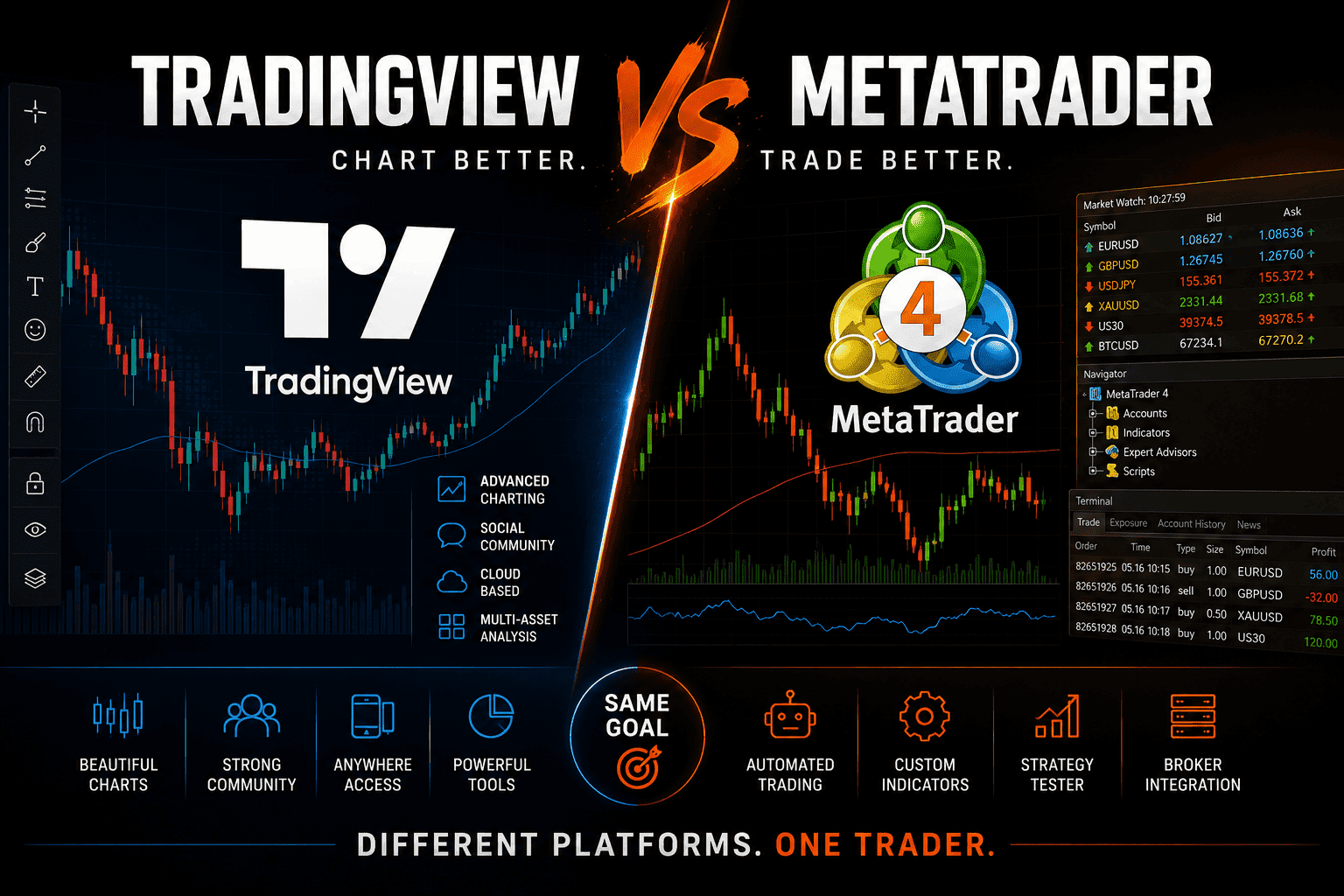
TradingView and MetaTrader are the two platforms you'll hear about most when you start trading. They're both free to use at a basic level, both widely supported by brokers, and both used by millions of traders around the world.
But they're built on completely different philosophies — and understanding those differences will save you a lot of frustration.
What Is TradingView?
TradingView is a web-based charting and social trading platform launched in 2011. It runs entirely in your browser (and has mobile apps), requires no installation, and is known for having the best charting interface in retail trading.
Beyond charts, TradingView is also a community platform. Traders publish ideas, scripts, and analysis publicly. The built-in Pine Script language lets anyone create and share custom indicators and strategies.
TradingView does not execute trades natively — it connects to brokers through integrations for paper trading and live trading via its broker bridge. The list of supported brokers for live execution is growing, but not every broker is supported.
What Is MetaTrader?
MetaTrader (MT4 and MT5) is a desktop-based trading platform developed by MetaQuotes. It was designed from the ground up for trade execution — not just charting. It connects directly to your broker's server and handles order management, execution, and automated trading.
MetaTrader's charting is functional but not as polished as TradingView. Its real strength is execution reliability, the MQL programming environment for Expert Advisors, and the fact that nearly every retail forex and CFD broker in the world supports it.
Charting: TradingView Wins Clearly
TradingView has the best charts available in retail trading, full stop.
The interface is clean and modern. Drawing tools are intuitive. Indicators load fast. Multi-timeframe layouts are easy to configure. The replay feature lets you step through historical price action bar by bar to practice analysis without risking money.
MetaTrader's charts work fine but feel dated. The drawing tools are clunky compared to TradingView, and the interface hasn't changed significantly since 2005. Many traders use TradingView for their analysis and MetaTrader for execution — getting the best of both.
Execution: MetaTrader Wins
MetaTrader connects directly to your broker's server. Order submission, modification, and cancellation are native features of the platform. Stop losses, take profits, trailing stops, and pending orders are all handled with precision.
TradingView's live trading depends on broker integrations. Not all brokers are supported, and execution through TradingView adds a layer between you and your broker that some traders find uncomfortable for active trading.
For scalpers, day traders, and anyone placing frequent orders with tight stops, MetaTrader's direct broker connection is more reliable.
Automated Trading
MetaTrader's automated trading system (Expert Advisors in MQL4/MQL5) is one of the most mature in retail trading. You can run fully automated strategies that execute, modify, and close positions without manual input. The MetaTrader Market has thousands of paid and free EAs.
TradingView supports strategy backtesting and alerts via Pine Script, but live automated execution is limited. You can set alerts that trigger webhooks to third-party automation tools (like 3Commas or custom servers), but building a fully automated live trading system on TradingView requires more technical setup than MetaTrader.
If automated trading is a priority, MetaTrader is the more capable platform.
Indicators and Scripts
TradingView: The Pine Script community has produced tens of thousands of free indicators and strategies, all searchable directly in the platform. You can add any published script to your chart in seconds. Pine Script itself is beginner-friendly — easier to learn than MQL.
MetaTrader: MQL4/MQL5 has an equally large ecosystem of indicators and EAs, with both free community resources and the MetaTrader Market. MQL is more powerful than Pine Script for complex logic, but harder to learn for beginners.
Both platforms have more indicators than any trader will ever need. The difference is primarily in how easy they are to access and how steep the learning curve is to create your own.
Multi-Asset Support
TradingView covers an extraordinary range of assets: forex, stocks (US and international), crypto, futures, indices, commodities, bonds, and economic data — all on the same platform. You can look at the S&P 500, EURUSD, and Bitcoin on the same screen without switching tools. This makes it exceptionally useful for macro traders and anyone who monitors multiple markets.
MetaTrader covers the assets your specific broker offers. MT4 is primarily forex and CFDs. MT5 extends to stocks and futures, but only through brokers that have configured their server for those instruments. Your MetaTrader view of the market is limited to your broker's offerings.
Price and Subscription
MetaTrader is free. The platform costs nothing. You pay your broker's spread and commissions — the platform itself has no subscription.
TradingView has a free tier that covers basic charting with some limitations (3 indicators per chart, no custom timeframes, limited saved layouts). Paid plans start around $15/month and scale up to $60/month for the premium tier, which unlocks more indicators per chart, more saved alerts, faster data, and other features.
For serious traders, TradingView's paid tiers are typically worth it. But it's a recurring cost that MetaTrader doesn't have.
Mobile Experience
Both platforms have iOS and Android apps.
TradingView's mobile app is polished and has essentially the same charting experience as the desktop version. Many traders use it as a primary analysis tool on the go.
MetaTrader's mobile apps are functional for monitoring positions and placing orders, but charting is limited compared to the desktop version.
If mobile trading is important to you, TradingView's app is the better charting tool.
The Most Common Setup: Use Both
Many experienced traders use TradingView and MetaTrader together:
- TradingView for market analysis, chart reading, multi-market overview, and identifying setups
- MetaTrader for execution, order management, and automated strategies
This combination gives you the best charting environment and the most reliable execution. Most traders who are serious about their workflow end up here eventually.
How to Choose
Go with TradingView if:
- You analyze multiple markets (stocks, crypto, forex, futures)
- You prioritize chart quality and drawing tools
- You're a swing trader or position trader who doesn't need split-second execution
- You want to follow and share analysis with a community
- Your broker is supported for TradingView live execution
Go with MetaTrader if:
- You trade exclusively forex or CFDs
- You use or plan to build Expert Advisors
- Your broker only supports MetaTrader
- You're a scalper or active day trader who needs direct broker connection
- You don't want to pay a monthly platform fee
Use both if:
- You want the best of both worlds and your workflow allows it
- You analyze on TradingView and execute on MetaTrader
Tracking Your Trades Regardless of Platform
Whatever platform you use to execute trades, what matters most is analyzing your results consistently over time.
EdrisFinance imports trade history from MetaTrader 4, MetaTrader 5, and TradingView — along with 40+ other brokers. You get a full performance breakdown: P&L by symbol, win rate, drawdown, risk/reward, and an AI-powered weekly report that acts as a personal trading coach.
Start tracking your trades for free →
Summary
| TradingView | MetaTrader | |
|---|---|---|
| Charting quality | Excellent | Functional |
| Execution | Via broker integration | Direct broker connection |
| Automated trading | Limited (Pine Script + webhooks) | Full (MQL4/MQL5 EAs) |
| Asset coverage | Very broad (all markets) | Broker-dependent |
| Price | Free tier + paid plans ($15-60/mo) | Free |
| Mobile | Excellent | Basic |
| Community | Large, active | Large, focused on EAs |
| Best for | Analysis, multi-market traders | Execution, algo traders, forex |
TradingView is the better charting platform. MetaTrader is the better execution platform. For many traders, using both is the answer.
Start tracking your trades for free
Import your trades from MetaTrader, Binance, and 40+ brokers. Get instant analytics and AI-powered weekly insights.
Get started free →