
MetaTrader 4 vs MetaTrader 5: Which One Should You Use?
MT4 and MT5 are the two most used trading platforms in the world. Here's a clear breakdown of the differences, and how to choose the right one for your trading style.
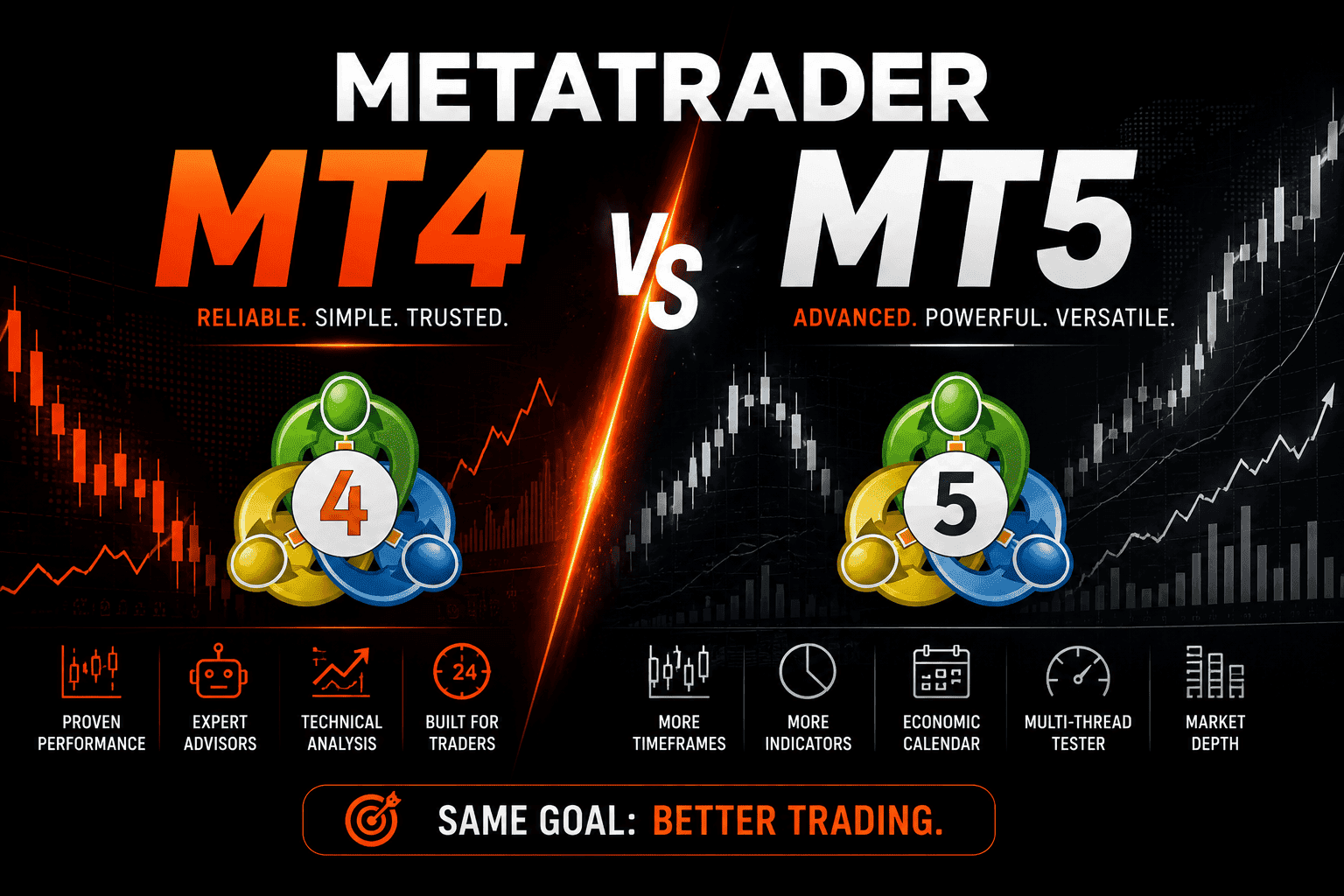
MetaTrader 4 and MetaTrader 5 are the two most widely used retail trading platforms in the world. Almost every forex broker offers one or both. Most traders have a preference, and debates about which is better have been going on for over a decade.
The short answer: MT4 and MT5 are not really competitors — they're designed for different things. Knowing the difference will help you choose the right one for your style and your broker.
A Brief History
MetaTrader 4 was released in 2005 by MetaQuotes. It quickly became the standard platform for retail forex trading. Its simplicity, reliability, and massive ecosystem of indicators and Expert Advisors (EAs) made it the dominant choice for millions of traders worldwide.
MetaTrader 5 was released in 2010 as the intended successor. It was built from scratch with more assets, more timeframes, more order types, and a more powerful programming language. Despite this, many traders never switched — MT4 remained dominant for years, and only in recent years has MT5 started to catch up.
In 2022, MetaQuotes officially stopped selling new MT4 licenses to brokers, signaling the long-term shift toward MT5. MT4 is still widely available and won't disappear anytime soon, but the direction is clear.
Key Differences Between MT4 and MT5
Asset Classes
MT4 was designed primarily for forex trading. It supports currency pairs, CFDs, and some commodities — but its architecture is built around the forex market.
MT5 was designed as a multi-asset platform. It supports forex, stocks, futures, options, and commodities natively. If you trade equities or futures alongside forex, MT5 is the more natural fit.
Timeframes
MT4 offers 9 timeframes: M1, M5, M15, M30, H1, H4, D1, W1, MN.
MT5 offers 21 timeframes, adding M2, M3, M4, M6, M10, M12, M20, H2, H3, H6, H8, H12. For traders who use non-standard timeframes, this is a meaningful upgrade.
Order Types
MT4 supports 4 pending order types: Buy Limit, Sell Limit, Buy Stop, Sell Stop.
MT5 adds 2 more: Buy Stop Limit and Sell Stop Limit — combination orders that place a stop order at a specified price, which then becomes a limit order. These are standard in professional trading environments.
Programming Language
MT4 uses MQL4, an older language that is well-documented and has an enormous library of free and paid EAs and indicators on the MetaTrader Market and community sites.
MT5 uses MQL5, which is more powerful (closer to C++) and faster for complex calculations. However, MQL4 and MQL5 are not compatible — EAs written for MT4 don't run natively on MT5 without modification.
This is one of the main reasons many traders stuck with MT4. If you have a library of custom EAs built in MQL4, migrating to MT5 requires rewriting or purchasing new versions.
Economic Calendar
MT5 has a built-in economic calendar directly inside the platform. MT4 does not — you need an external browser or tool. A small but useful quality-of-life difference for fundamental traders.
Strategy Tester
MT4's strategy tester runs backtests on a single currency pair, single timeframe, single thread. It gets the job done for basic EA testing.
MT5's strategy tester supports multi-currency backtesting, multi-threaded processing, and real tick data. For serious algorithmic traders, this is a significant advantage — backtests are more realistic and run faster.
Depth of Market (DOM)
MT5 includes a built-in Depth of Market panel, showing buy and sell orders at different price levels. This is standard in professional trading environments and useful for short-term traders watching order flow. MT4 does not have this feature.
What They Have in Common
Despite the differences, both platforms share the same core experience:
- Same charting interface and familiar layout
- Same basic order execution flow
- Support for Expert Advisors (automated trading)
- Custom indicators and scripts
- Available on Windows, Mac (via Wine/CrossOver), iOS, and Android
- MetaTrader Market for buying indicators and EAs
If you've used one, you can navigate the other within a few minutes.
Which One Should You Use?
Use MT4 if:
- You trade forex only and don't need multi-asset support
- You have existing MQL4 EAs you rely on and don't want to rewrite them
- Your broker offers MT4 and you have no reason to switch
- You prefer simplicity and a battle-tested platform
MT4 still works perfectly for what it was designed for. Millions of profitable traders use it every day. There's nothing wrong with staying on MT4 if it suits your workflow.
Use MT5 if:
- You trade stocks, futures, or options alongside forex
- You want more timeframes for multi-timeframe analysis
- You do serious backtesting and want more realistic results with real tick data
- You're building new EAs and want the more powerful MQL5 language
- Your broker only offers MT5 (increasingly common)
MT5 is the better platform on paper — more features, more assets, more powerful tools. If you're starting fresh with no existing MT4 setup, MT5 is the logical choice.
The EA Compatibility Problem
One thing worth addressing directly: the biggest practical friction in switching from MT4 to MT5 is EA compatibility.
If you're running a custom EA that was built in MQL4 — whether you wrote it yourself or purchased it — it will not run natively on MT5. You need either:
- A recompiled MQL5 version (some developers offer this)
- MetaQuotes' built-in MT4/MT5 compatibility layer (limited and not always reliable)
- A complete rewrite in MQL5
For manual traders or those using MT5-native EAs, this is a non-issue. For algorithmic traders with an established MQL4 library, it's a real cost to consider.
Broker Support
Not all brokers offer both platforms. Some brokers — particularly those focused on professional or institutional traders — have moved exclusively to MT5. Others still maintain both.
Before choosing a platform, check what your broker offers. If you're shopping for a new broker specifically for MT5 multi-asset trading, look for brokers that offer stocks and futures through MT5 rather than just forex.
Tracking Your Trades From Either Platform
Whether you're on MT4 or MT5, the goal is the same: understand what's working in your trading and what isn't.
EdrisFinance imports trade history directly from both MetaTrader 4 and MetaTrader 5. You export your trading history as a report from the platform, import it into EdrisFinance, and get an instant breakdown of your performance — by symbol, by strategy, by session, and more.
Import your MT4 or MT5 trades for free →
Summary
| Feature | MT4 | MT5 |
|---|---|---|
| Asset classes | Forex, CFDs | Forex, stocks, futures, options, CFDs |
| Timeframes | 9 | 21 |
| Pending order types | 4 | 6 |
| Programming language | MQL4 | MQL5 |
| Strategy tester | Single-threaded | Multi-threaded, real tick data |
| Built-in economic calendar | No | Yes |
| Depth of Market | No | Yes |
| EA ecosystem | Enormous (MQL4) | Growing (MQL5) |
MT4 remains a solid, reliable platform for forex traders — especially those with existing EA setups. MT5 is the more capable platform for traders who need multi-asset support, more timeframes, or more serious backtesting tools.
The right choice depends on what you trade, what tools you rely on, and what your broker supports.
Start tracking your trades for free
Import your trades from MetaTrader, Binance, and 40+ brokers. Get instant analytics and AI-powered weekly insights.
Get started free →