
Best Laptop for Trading in 2026: What Actually Matters
Looking for the best laptop for stock trading, forex, or crypto? We cut through the specs and tell you what actually matters for day traders and swing traders in 2026.
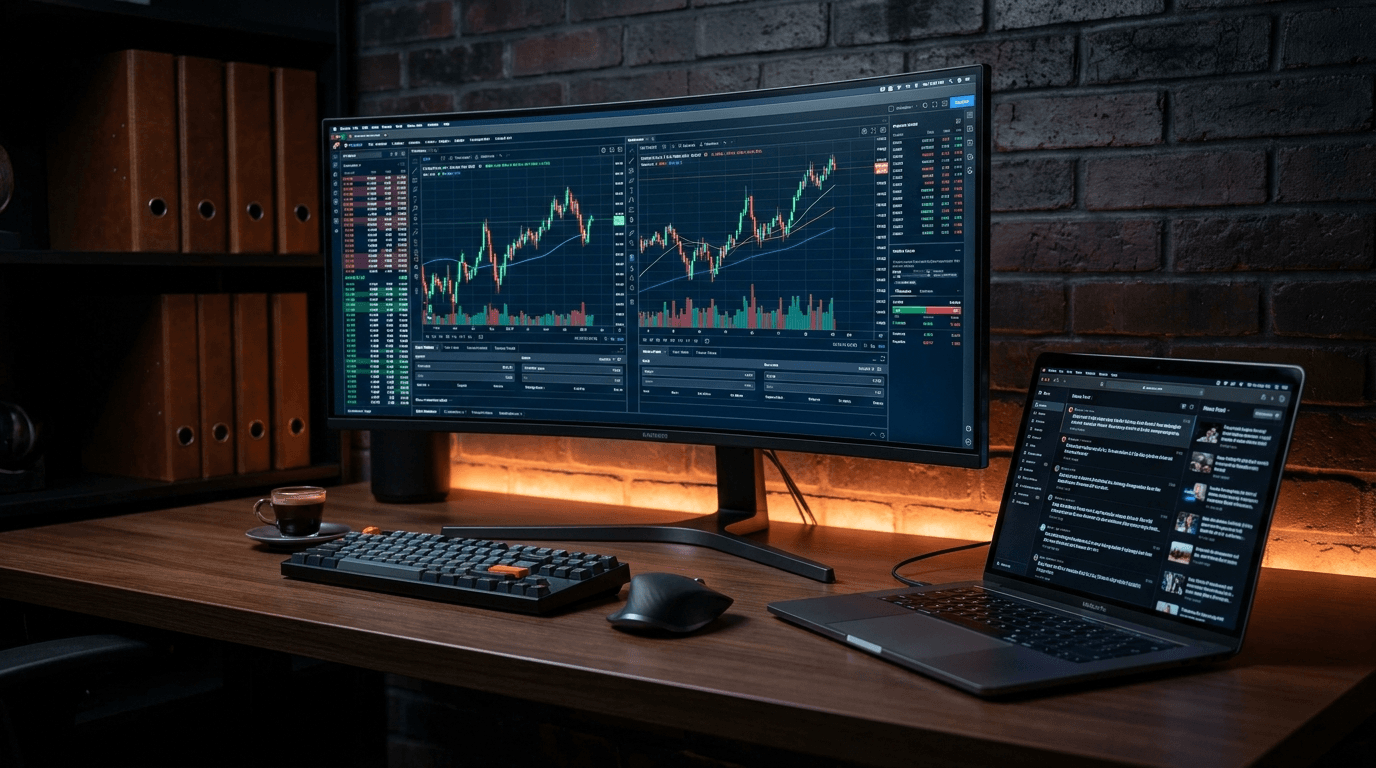
Most "best laptop for trading" guides are written by people who have never traded a single position in their life. They recommend specs based on gaming benchmarks and Amazon affiliate commissions.
This guide is different. We'll tell you what actually matters for traders — and what doesn't — so you can make a decision that makes sense for your workflow.
What Traders Actually Need From a Laptop
Before diving into recommendations, let's be clear about what trading software actually demands from hardware.
Trading platforms are not demanding applications. MetaTrader 4, TradingView, Thinkorswim, Interactive Brokers TWS — none of these require a high-end CPU or GPU. They are essentially web browsers running charts.
What trading does require:
- A sharp, color-accurate display — you're staring at this for hours
- Enough RAM to run multiple applications simultaneously — browser with 20 tabs, trading platform, journal, spreadsheet
- A fast SSD — for quick boot and app switching
- Reliable Wi-Fi or Ethernet — latency matters more than processing power
- Long battery life — if you trade away from a desk
What trading does not require:
- A dedicated GPU (unless you run ML models)
- More than 16GB RAM for most setups
- The latest CPU generation
- A mechanical keyboard
The Display Is the Most Important Spec
If you're spending 4-8 hours a day looking at charts, the display is where you should spend your money.
Resolution: 1920x1200 (16:10) or 2560x1600 is ideal. The extra vertical space compared to 16:9 means more chart visible without scrolling. Avoid 1366x768 — it's genuinely uncomfortable for chart analysis.
Panel type: IPS or OLED. IPS gives accurate colors and wide viewing angles. OLED gives stunning contrast but can have burn-in risk if you keep static charts open for hours (think twice if you're a positional trader who leaves charts open all day).
Size: 14-15 inch is the sweet spot for portability + usability. 13 inch feels cramped with multiple chart windows. 17 inch becomes a burden to carry.
Brightness: Look for at least 400 nits if you ever trade outdoors or near windows.
How Much RAM Do You Actually Need?
8GB: Workable for swing traders who use one platform and a browser. You'll feel the squeeze if you open many tabs.
16GB: The sweet spot for most traders. Runs MetaTrader + TradingView + Chrome with 15 tabs + your journal app without breaking a sweat.
32GB: Only necessary if you run Python scripts for backtesting, keep multiple virtual machines, or use professional data feeds alongside your trading platform.
Best Laptops for Traders in 2026
Best Overall: Apple MacBook Pro 14" (M4)
The M4 MacBook Pro has become the default choice for serious traders who value reliability above all.
Why traders love it:
- The display (Liquid Retina XDR, 120Hz, 1600 nits peak) is genuinely the best screen you can get on a laptop
- Battery life is exceptional — 15-18 hours of real-world use
- macOS is stable, rarely crashes, and handles long uptime well
- Silent under normal trading loads (no fan noise during market hours)
The downsides:
- MetaTrader 4/5 runs via Rosetta 2 emulation — it works, but Wine/CrossOver is sometimes needed
- Price starts at €1,799 for the base M4 model
Best for: Professional traders, forex traders using web-based platforms, anyone who wants the best display money can buy.
Best Windows Option: Dell XPS 15 (2025)
If you're on Windows — whether for MetaTrader compatibility, specific broker software, or personal preference — the Dell XPS 15 is the most balanced option.
Why traders like it:
- 15.6" OLED display option with excellent color accuracy
- Intel Core Ultra 7 handles multiple applications effortlessly
- 16GB RAM standard, upgradeable to 64GB
- Good keyboard with NumPad on the 17" version (useful for manual order entry)
The downsides:
- Thermals can get warm under sustained load
- Battery life is around 8-10 hours, less impressive than Apple
Best for: Day traders who need full Windows compatibility for broker-specific software.
Best Budget Option: Lenovo ThinkPad E16 Gen 2
Not every trader needs a €2,000 laptop. The ThinkPad E16 Gen 2 gives you everything that matters for trading at a fraction of the price.
Why it works for traders:
- AMD Ryzen 7 is more than fast enough for trading platforms
- 16GB RAM standard
- The ThinkPad keyboard is one of the best on any laptop — important for traders who type a lot of notes
- Excellent build quality and repairability
- Around €800-950 street price
The downsides:
- Display is decent but not exceptional
- Design is corporate and utilitarian
Best for: Traders on a budget, beginners, anyone who wants reliability without the premium price.
Best for Multi-Monitor Trading: ASUS ROG Zephyrus G16
If your main concern is running 3-4 external monitors from a single laptop, you need something with proper GPU output options.
Why it works for multi-monitor setups:
- Multiple Thunderbolt 4 + USB-C + HDMI outputs
- NVIDIA GPU handles driving multiple displays without issues
- 16" QHD+ display at 240Hz (overkill for trading, but beautiful)
The downsides:
- It's a gaming laptop — fan noise under load
- Heavier at 1.85kg
- Battery life suffers when driving external monitors
Best for: Traders who run a full desk setup with 2-4 external monitors.
What About Ultrabooks?
Ultrabooks like the LG Gram 16 or Lenovo Slim 7 are tempting for traders who travel frequently. They're light, slim, and have excellent battery life.
The tradeoff is usually display quality and port selection. If you're a swing trader who checks positions a few times a day, an ultrabook is perfectly fine. If you're actively day trading for hours, the display limitations will start to bother you.
External Monitor: The Best Upgrade for Any Setup
If you trade from a fixed desk even occasionally, an external monitor is a better investment than upgrading your laptop.
A 27" 4K monitor (€300-400) transforms any trading setup. You can keep your chart on the big screen and use the laptop display for your trading journal, news, or order entry.
Look for:
- 27" at 4K or 1440p
- IPS panel for color accuracy
- At least one USB-C input so you can connect with a single cable (power + video)
Popular choices among traders: LG 27UK850, Dell U2723D, BenQ PD2725U.
Internet Connection Matters More Than Your CPU
This is the most overlooked factor in trading setup guides.
A fast, stable internet connection is more important than any laptop spec for active traders.
For day traders and scalpers, latency to your broker's servers matters. A 1Gbps fiber connection will serve you better than upgrading from a good laptop to a great one.
If you're trading on Wi-Fi, use the 5GHz band and stay close to your router. Better yet, use a USB-C to Ethernet adapter and go wired.
How to Track Your Trades Regardless of What Laptop You Use
The best trading setup in the world won't make you a better trader if you're not analyzing your results.
That's where a trading journal comes in. With EdrisFinance, you can import trades automatically from MetaTrader, Interactive Brokers, Binance, and 40+ other brokers — no manual entry required.
You get a full breakdown of your P&L, win rate, drawdown, and risk/reward ratio. The AI Weekly Report (powered by Claude) acts as a personal trading coach, giving you honest narrative feedback on your week.
Start free — no credit card required →
Quick Summary
| Laptop | Best For | Price |
|---|---|---|
| MacBook Pro 14" M4 | Best overall, best display | €1,799+ |
| Dell XPS 15 | Best Windows option | €1,499+ |
| Lenovo ThinkPad E16 | Best budget | €850+ |
| ASUS ROG Zephyrus G16 | Multi-monitor setups | €1,699+ |
The honest answer: Any modern laptop with 16GB RAM and a decent display will handle trading software fine. Spend your upgrade budget on an external monitor and a reliable internet connection before worrying about which laptop chip is faster.
What makes you a better trader is analyzing your results consistently — not the hardware you do it on.
Start tracking your trades for free
Import your trades from MetaTrader, Binance, and 40+ brokers. Get instant analytics and AI-powered weekly insights.
Get started free →